
How to build a record label website

Updated by Joseph Longo on Jan 21, 2025 in: Website Tips, Music Marketing & Promotion, Record Label Websites
Posted on Aug 20, 2015
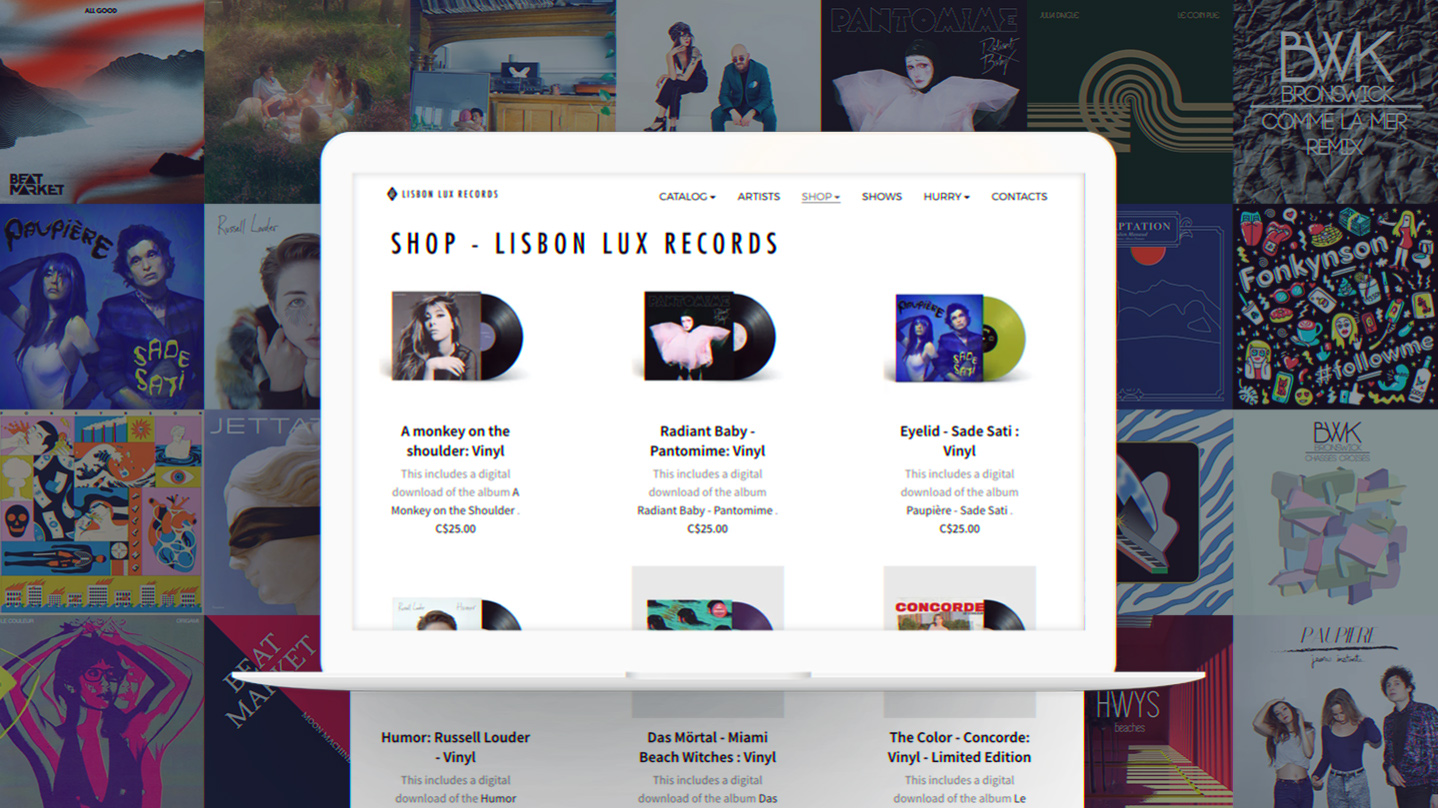
Whether you’re an established label, or you’ve just signed your first band, your record label website is a vital piece of your marketing strategy. It’s the online hub where fans, industry, and media can discover and quickly connect with your artists.
Building a record label website is all about setting the right tone and showcasing your artists in style. You’ll want pages that spotlight your roster, packed with music, merch, and all the key info about your label. It's not just about getting started — it's about giving your site artistic flair that stands out to industry pros while keeping everything organized and easy to navigate.
Here’s how to create a record label website that turns heads and makes a lasting impression:
1. Choose a record label template
2. Create an organized homepage
3. Set up an artist roster page
4. Add a music page
5. Make a merch store
6. Add details about your label
7. Create a tour page
8. Include contact and submission information
9. Add a Smart Links page
1. Choose a record label template
Your record label website you’ll will feature a lot of content that your visitors will absorb quickly. One way to accomplish this is by choosing a record label website template that’s spacious and modern. All Bandzoogle themes are responsive, so you can rest assured that your website will be mobile-friendly, which is especially important if you plan to sell tickets, merch, or music on behalf of your artists.
The best record label websites convey a sense of familiarity, setting a vibe that is echoed in the music of artists on your roster. Choose a template that reflects your artists’ style, then customize it with colors, fonts, and images that build on your brand.
Many record label websites begin with a classic black and white palette. This makes way for coordinated content and the use of sections and grids to balance out the pages. Start with a simple template, add more pages, then tweak the look and feel to create an ambience that matches the music.
Section shapes are a fantastic way to add visual flair to the template you choose for your record label website. Create a smooth, artistic transition between sections, setting a polished and dynamic look. Whether you want to highlight your roster of artists, feature a new album release, or showcase your label's story, section shapes help guide visitors’ eyes seamlessly through your content.
2. Create an organized homepage
To introduce your record label website to visitors online, make a homepage that serves as a gateway to the rest of your content. You’ll want to take time to organize this page carefully, as it’s the first impression of your company.
First, choose a header image or add a logo that conveys what your label is all about. Be sure that your label’s name is prominent on the page. Then create a menu that includes all of the pages you’ll need. Once you’ve got your main imagery, name, and menu set up, decide on your main promotional item. This could be an upcoming tour, or a new release for one of your artists. Use this promotional item in a call to action on your Home page to show that you’re actively promoting your artists, and swap it out regularly.
In the content area of your record label website homepage, include a section for the latest news and updates. To do this, add a ‘Blog’ feature with an image for each post. This will create a streamlined look, and will convey the momentum you’re creating with your artists.
Another thing you’ll want to add to your homepage is a mailing list signup form. Offer an incentive like a free download of an exclusive song to encourage visitors to sign up. That way you can follow up by email with your latest label news, album releases, and upcoming tour dates for your artists.
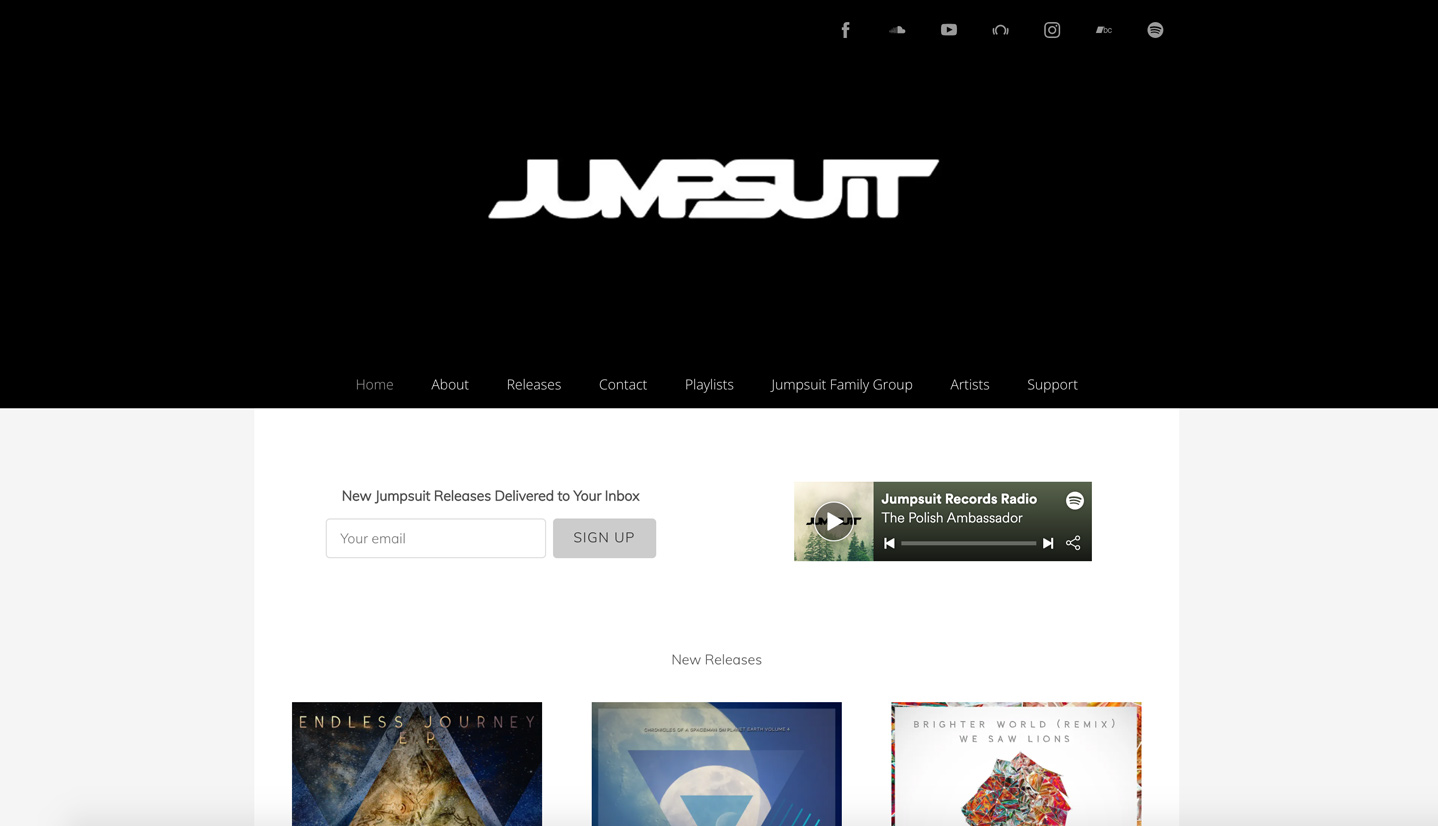
Record Label website: Jumpsuit Records
3. Set up an artist roster page
One of the most visited pages on your label's website will be the Artists page. Make sure it represents your label well by creating a page with concise information on all of your artists.
This page can feature a visual index of your roster. If you’re a record label just starting out, a page with a simple grid can work well to introduce your artists. If you’ve built up your record label to the point that you have many artists, create a central Artists page that links to a sub-page with information for each musician individually.
On each artist page include an image, bio, music, and video. You can set this up similar to an EPK for artists, then duplicate the page and swap out the details for each member of your roster. Be sure to include relevant links, such as a publicity contact, a booking contact, and a link to the artist's official website.
If you plan to create multiple accounts for your artists’ websites, you can manage all of those with one login profile. Switch back and forth to edit each site with just a few clicks. If you want to get more in-depth with the content and design options for an artist's website, check out this guide: How to make a music website.
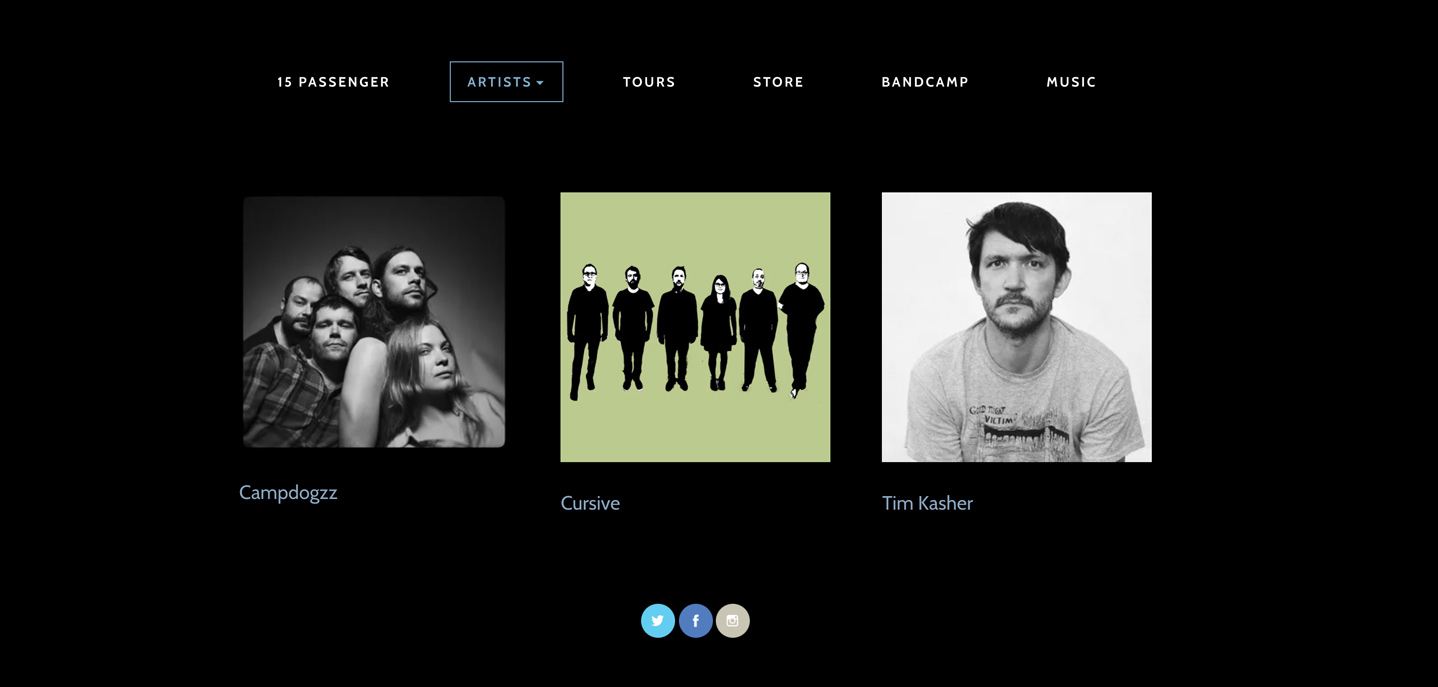
Record label website: 15 Passenger
4. Add a music page
Music will likely be a focal point of your record label website, and of interest to many of your visitors. Dedicate this page to new releases and to promoting your artists best tracks.
There are a few ways you can organize the Music page. If one of your artists has an upcoming or recent release, promotion for that album should be front and center. Set up a pre-order, add context about the album, and use Smart Links to connect fans to the music on different platforms.
With the rest of your artists, create playlists on the page. This could be one music player shuffling tracks from all of your artists, or you could add different music players per album, or per artist, depending on their repertoire.
Be sure to add text to this page as well, so that newcomers to your record label website will get a sense of the momentum your label is creating. Text describing the music in detail here may also be useful for someone looking to do a write up, like a reviewer or promoter.
5. Make a merch store
Selling merch for your artists is a great way to keep generating buzz around their music, or help add some income to tour dates. Set up a Store page that’s easy to find in your website menu.
Depending on the size of your record label, you can set up one main store with a few items per artist. Setting up a store integrated with Printful will open up possibilities for print-on-demand merch, which won’t require inventory tracking. You can add vinyl or CDs as well as clothing and novelty items. Choose a grid layout to condense the look and feel of your store, and be sure to add images per product.
You’ll want to keep the look of your Store page simple, with a plain background, so as to not distract from the items for sale. Be sure to add notes to any special or limited-time offers, such as autographed items.
If you have many products to offer per artist, set up multiple stores on the page. Add sections stacking down the page, with different backgrounds and titles for each one, to delineate the content and make each store easy to locate.
With any store, you can create bundles of music and merch, either to move old stock or to generate excitement for a new release.
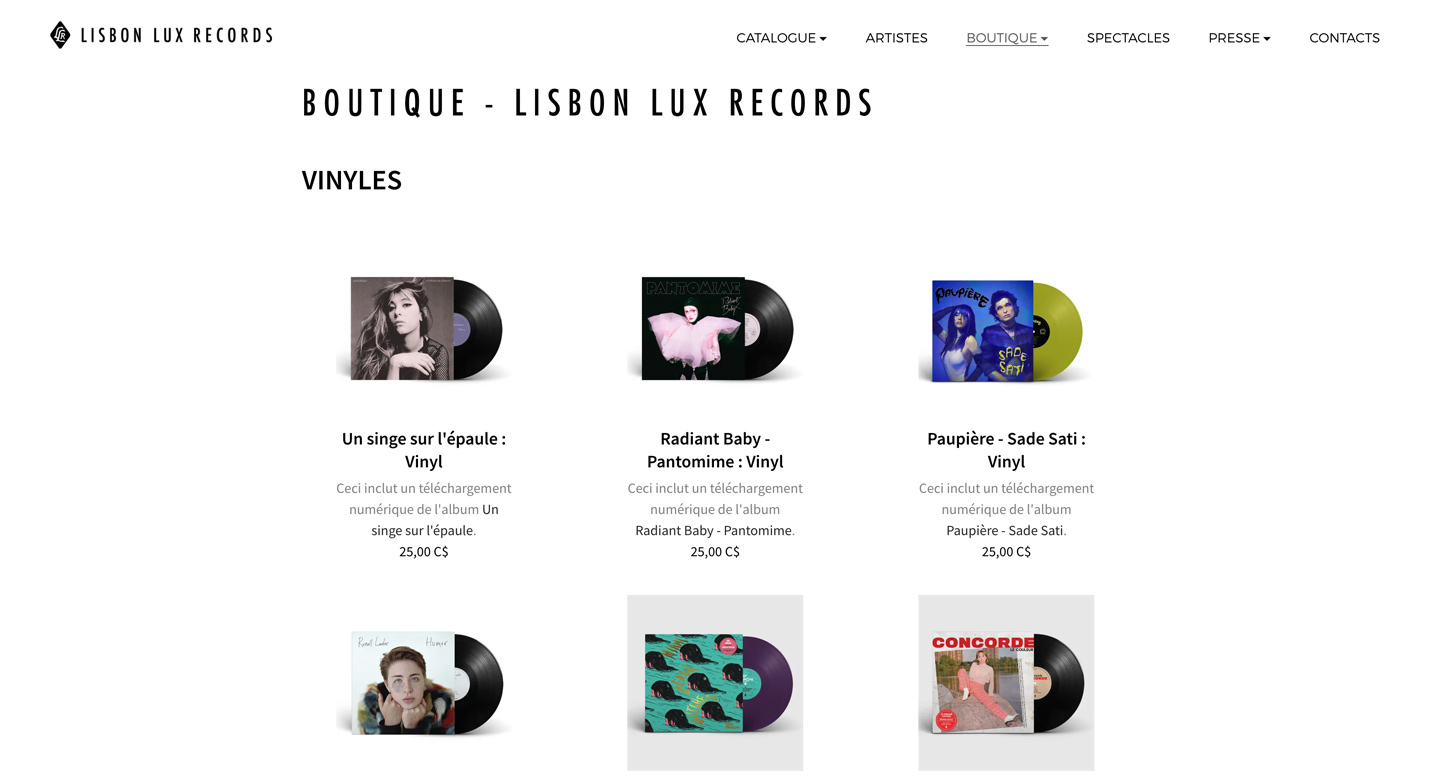
Record label website: Lisbon Lux Records
6. Add details about your label
As with any business, a record label website needs an About page that tells the full story of your company’s origins. This could include your mission statement, how your label came to be, and how you’ve grown in the meantime. Use a few notable achievements to highlight your label’s success (signing an exciting artist, working with a notable festival, etc.), and add positive context for your company.
To make this page more dynamic, add a professional image, title, and short bio for each employee of your label. This will lend a relatable energy to your story, and some visual interest to the page.
An About page for your record label can also help with your SEO (search engine optimization). Mention your label’s name regularly in text, alongside artists’ names and any other natural keywords to match these keywords to Google searches.
Finally, someone who’s reached your About page may want to contact you to learn more, submit a demo, or inquire about an artist. Make it easy for industry and media to contact you by including a contact form or email address at the bottom of this page.
7. Create a tour page
Fans and industry professionals may be looking to see your artists in their element. A Shows or Tour page will allow you to list all the dates of upcoming performances.
Use a ‘Calendar’ feature to keep tour dates for your artists organized. If you have many active artists, you may want to use multiple calendars, one per artist, and place these into columns or sections on the page. You can also sell tickets for any events, commission-free, through your record label website.
To quickly populate a Tour page for different artists, use the Bandsintown integration to display show dates.
8. Include contact and submission information
Include a Contact page to accept inquiries about your record label. If you’re actively looking for new artists for your record label, add information that outlines the format(s) you will accept for demos.
This is a good place to address some FAQs as well: include information on accepted genre(s) of music and the kind of experience an artist should have.Clarify that musicians sending you an application should list where they’ve played shows, and provide details on what kind of a crowd they can draw.
If you’re not seeking submissions, some text here indicating that you are not currently accepting new artists will help clarify things for bands contacting your label.
This page can also include a contact form for general inquiries. Add an email address for any applicable separate staff: management, booking inquiries, and press.
Then round out your Contact page with a mailing list sign-up form and social media links to the platforms on which you’re active.
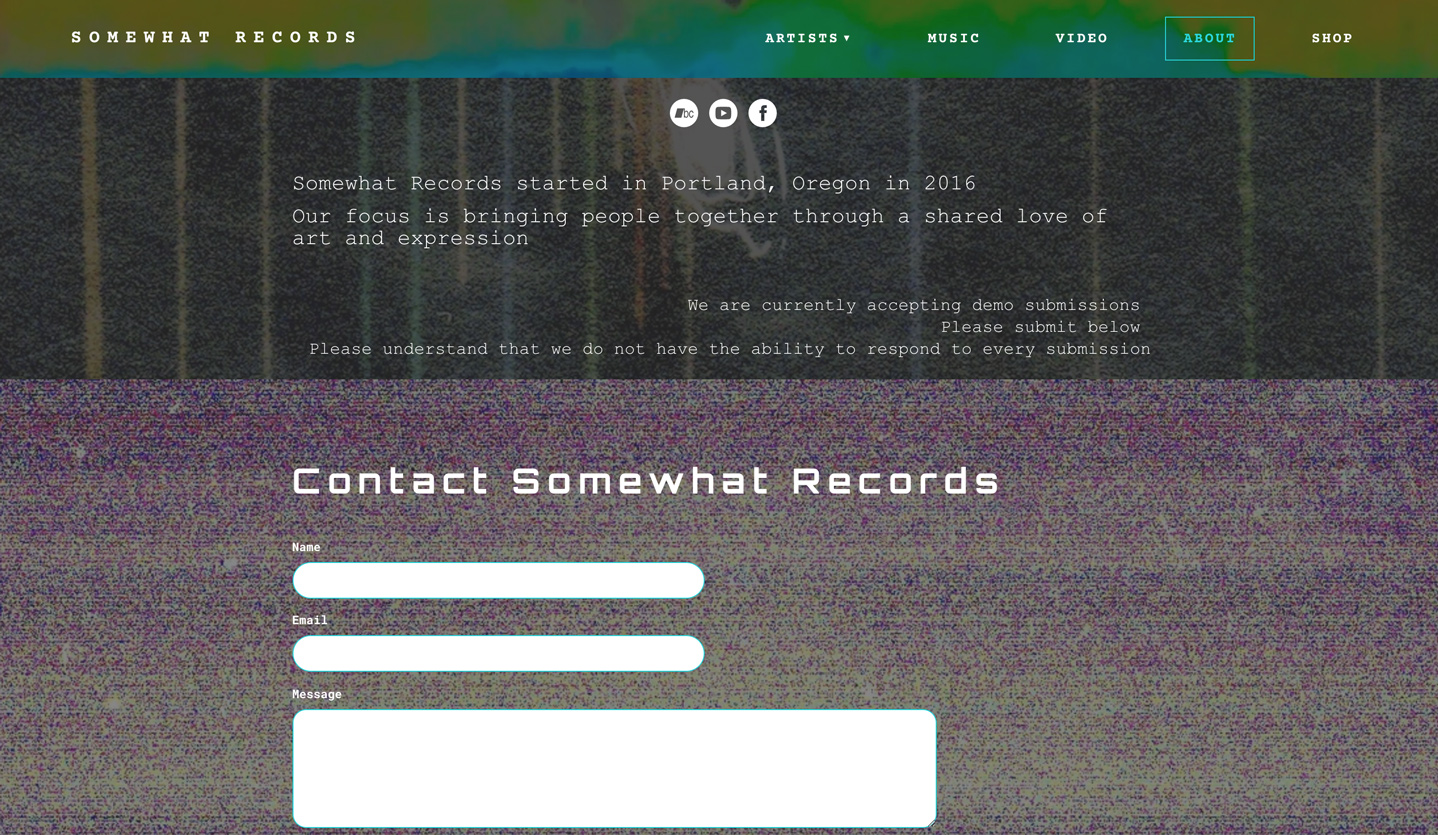
Record label website: Somewhat Records
9. Add a Smart Links page
A Smart Links page is an essential feature for any record label website to streamline your promotional efforts. It gives you a centralized hub for all your artists’ links that can be shared anywhere you’d like. Think of the essential “link in bio” in their social profiles.
Whether you're directing fans to new music releases, pre-save campaigns, music videos, or upcoming tour dates, Smart Links allow you to create customizable, mobile-friendly landing pages that make it easy for fans to engage with your artists' content. Easily track link performance with our built-in analytics, and ensure that fans can quickly access the platforms and services they use most.
As a record label, your time is typically spent developing the talent on your roster. Create a website that will help your label make connections across the industry, promote your artists, and build big things.
Build a stunning band website and store in minutes
- Promote your music on your own unique website.
- Sell music & merch directly to your fans. Keep 100%.
- Grow your fan base with built-in marketing tools.
Free 14 day trial, no credit card needed.

Comments